×
How to Use AstroCompass
Tap the "Change Mode" button to toggle through different modes. Then hold your phone
flat, face up towards the sky with the top in the direction of the target.
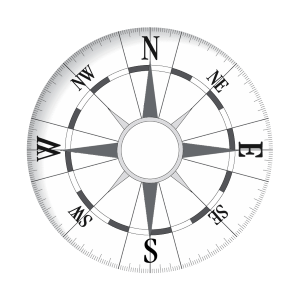
For example, pivot around until you face your shadow on the ground when prompted. The compass will be
accurately aligned to North, East, etc.
The yellow pointer will point towards the horizon below the Sun, the brown
pointer to your shadow, and the gray pointer will point to the Moon's
azimuth on the horizon.
The azimuth and elevation angles shown are accurate to 0.1 degree — much more accurate than a normal
compass! Negative elevations are below the horizon and out of sight.
Copyright © John Craig